---
description: 'Supporting Assets: BTC, BRC-20'
---
# B² Bool Bridge (Particle)
### Deposit: Bridge Assets to B² Mainnet
#### 1. Navigate to B² Bool Bridge
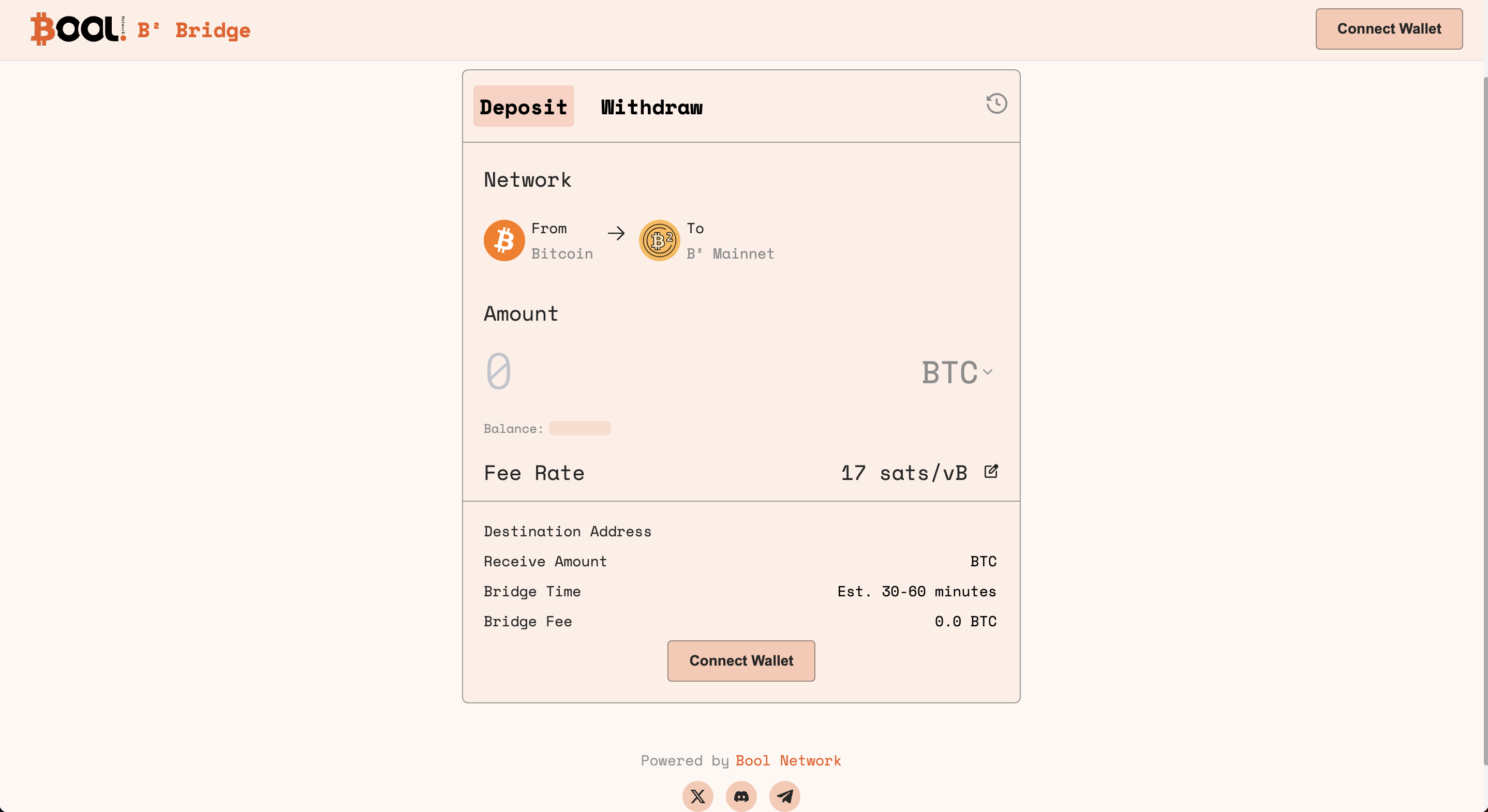
Access [B² Bool Bridge](https://bsquared.boolbridge.com/). This is where you initiate the deposit transaction regarding BTC or BRC-20 from Bitcoin to B² Mainnet.
#### 2. Connect Wallets
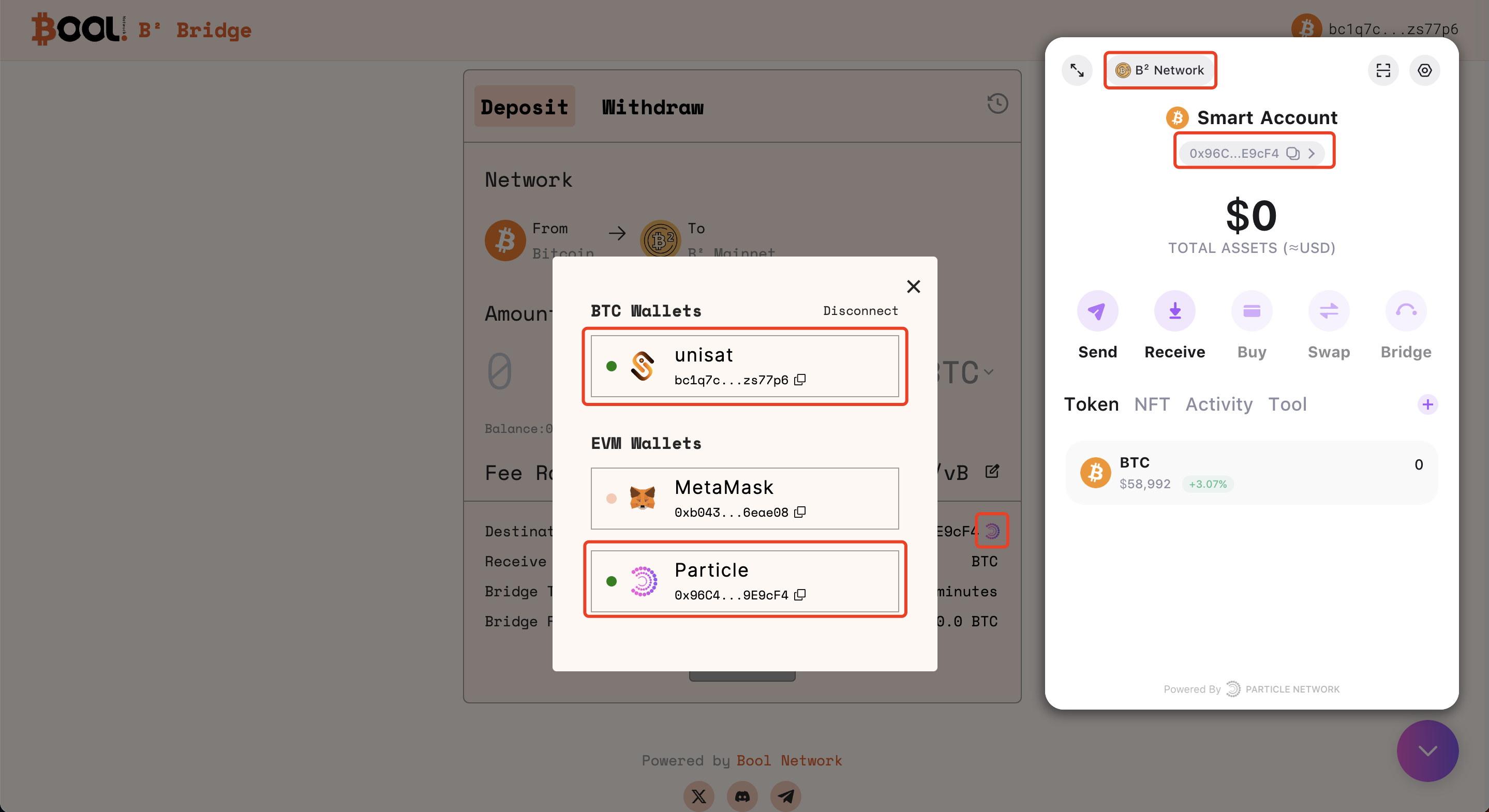
On the Bridge interface, connect your UniSat wallet and use Particle to generate an AA account. Follow the prompts and confirm the wallet connections.
{% hint style="info" %}
Through the wallet connection, assets will be bridged to the Layer 2 **Particle Wallet address** (the default destination address).
{% endhint %}
#### 3. Deposit on Bitcoin
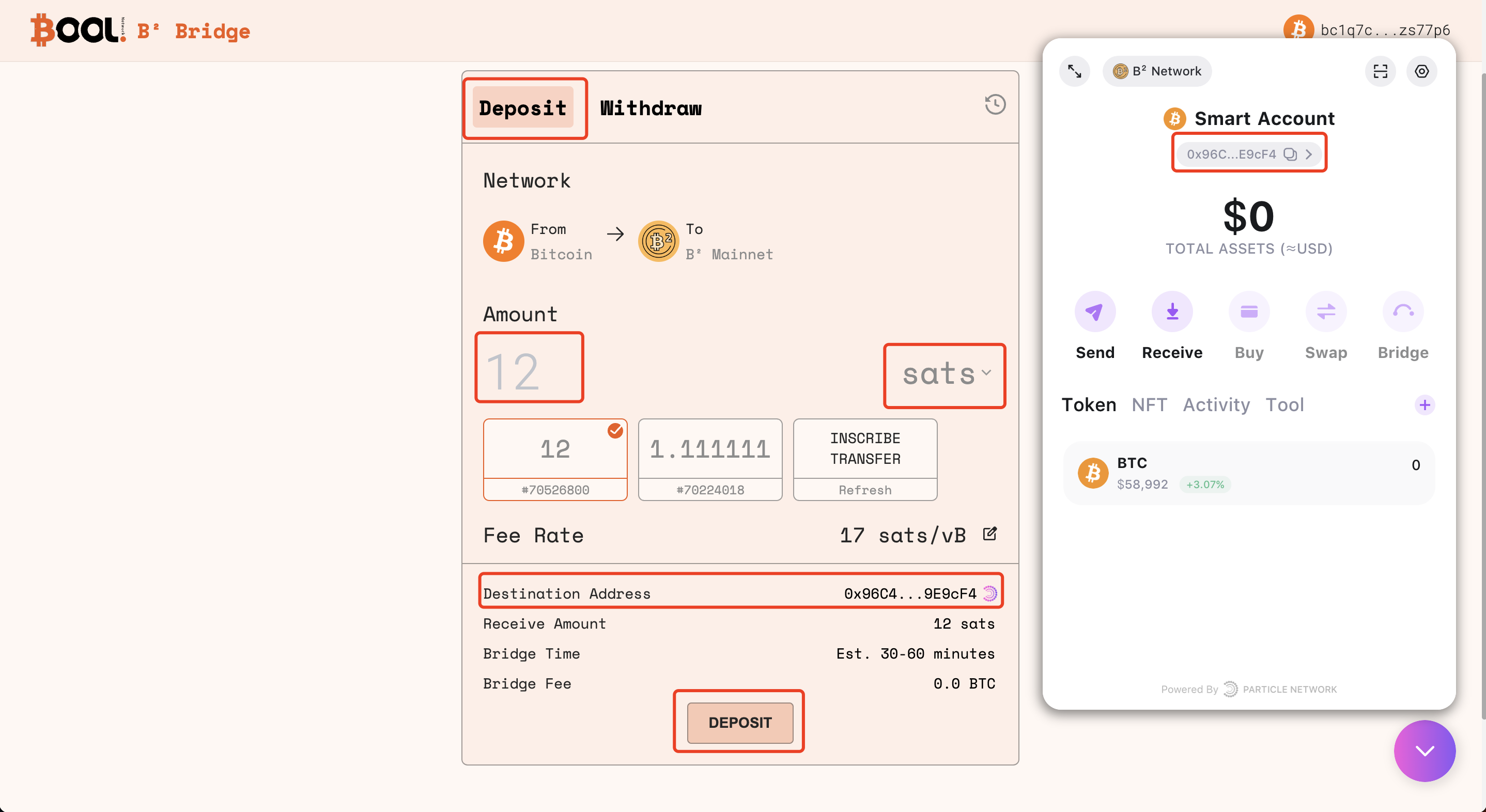
Initiate the deposit transaction by specifying the amount of BTC or BRC-20 you intend to bridge from the Bitcoin to the B² Mainnet. Review and confirm the transaction details.
**3.1 Specify the amount of BTC or BRC-20 to deposit**
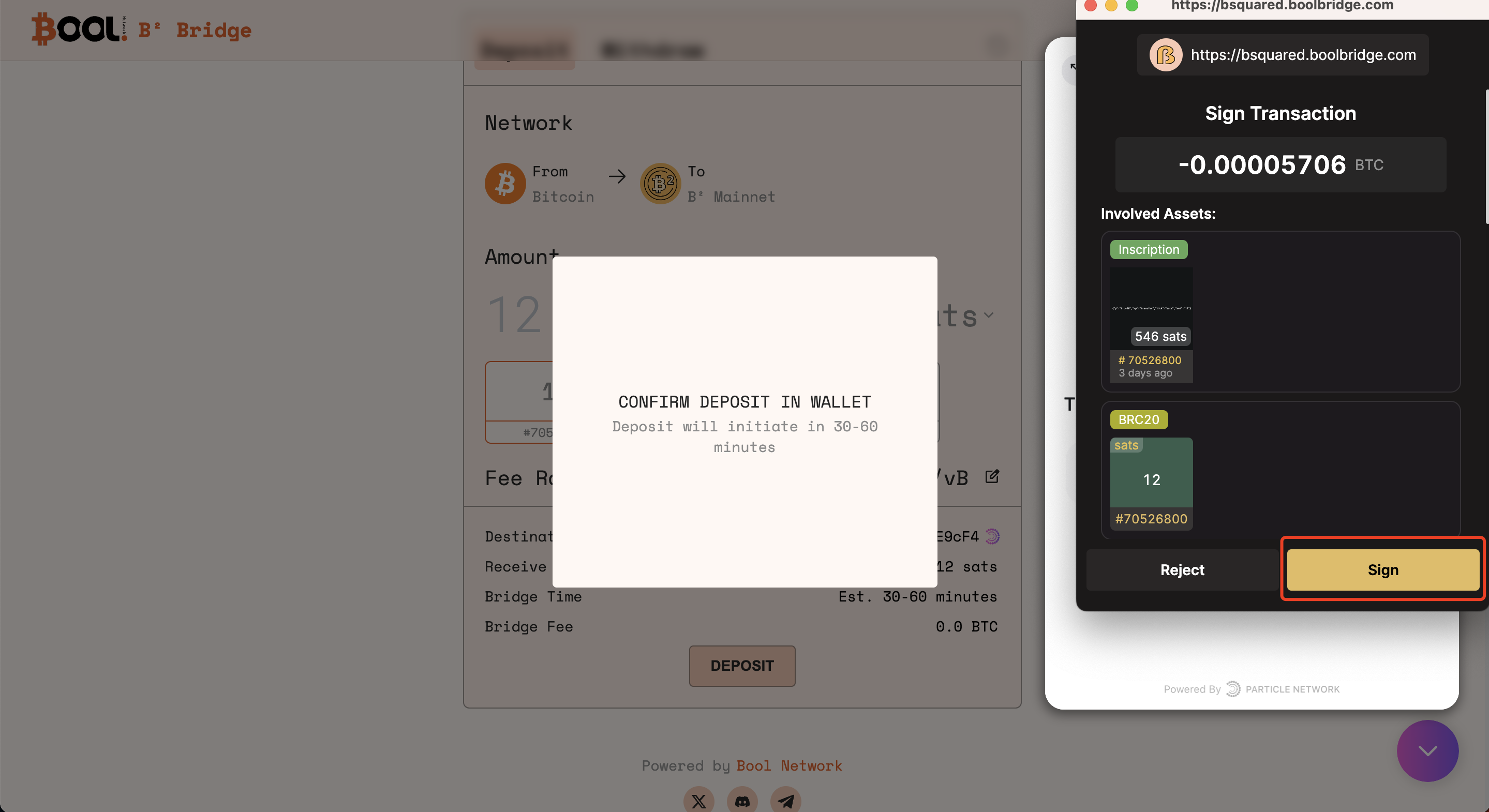
**3.2 Confirm the deposit transaction in UniSat**
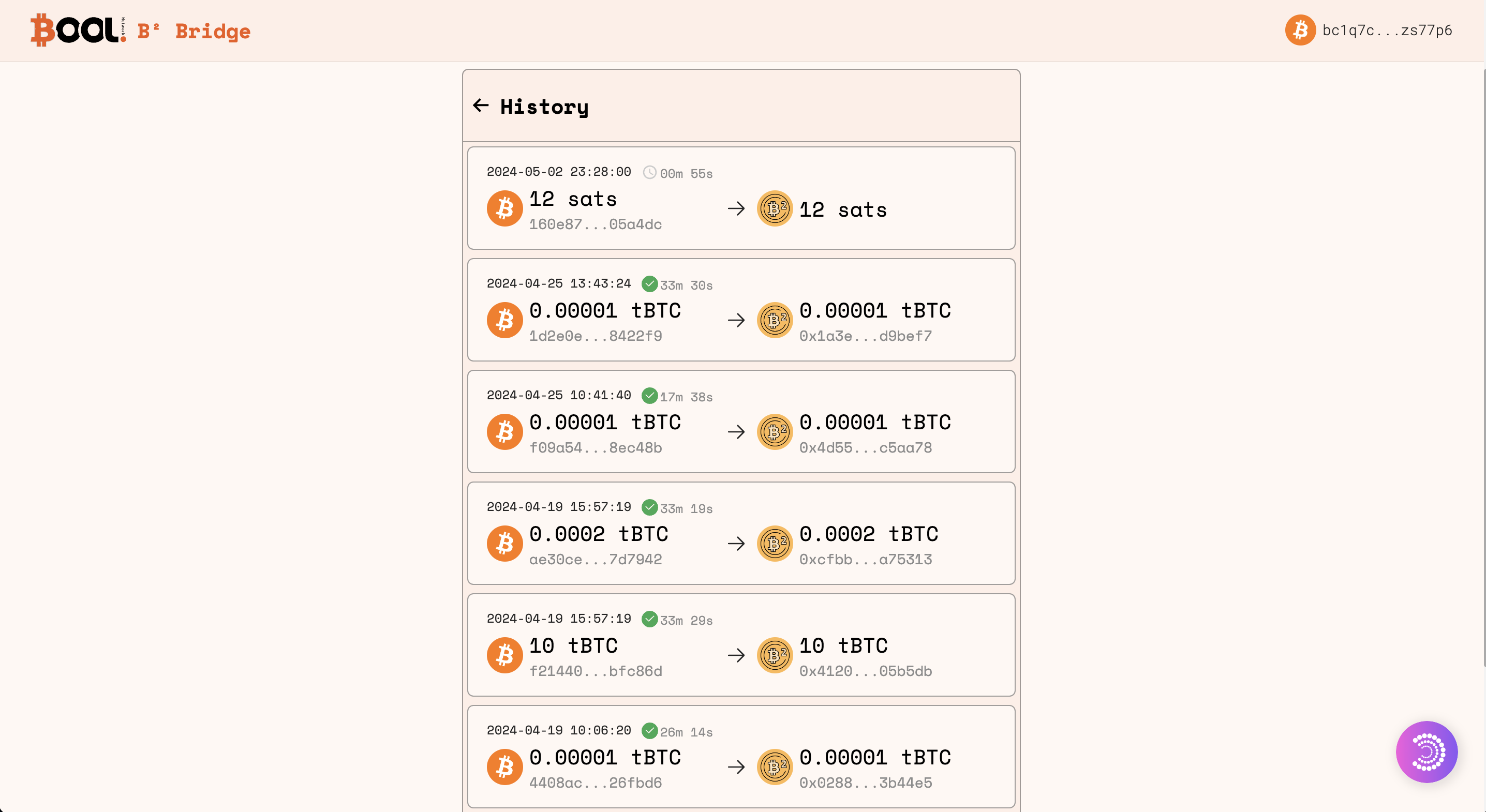
#### 4. Monitor the bridging progress on the History page
Once the deposit is initiated, monitor the progress of your transaction on the History page of the B² Bool Bridge. This section provides real-time tracks on the status of your cross-chain transactions.
#### 5. Check destination address balance via B² Mainnet Explorer
When the deposit is completed, check the balance of the destination address on [B² Mainnet Explorer](https://explorer.bsquared.network/). Confirm that the bridged BTC or BRC-20 is reflected in your B² Mainnet address.
### Withdraw: Bridge Assets from B² Mainnet to Bitcoin
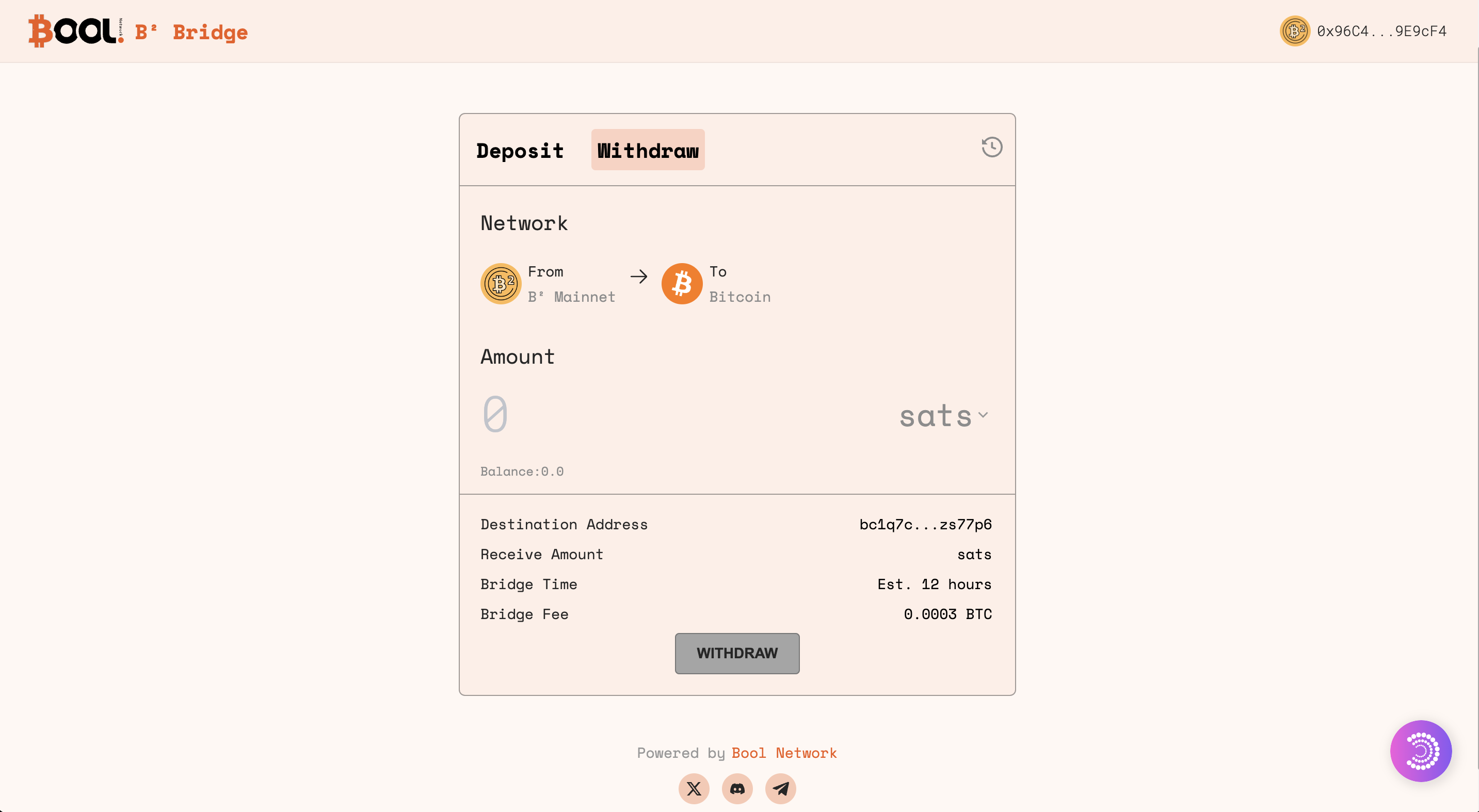
#### 1. Navigate to the B² Bool Bridge
Access [B² Bool Bridge](https://bsquared.boolbridge.com/). This is where you'll initiate the withdrawal transaction regarding BTC or BRC-20 from B² Mainnet to Bitcoin.
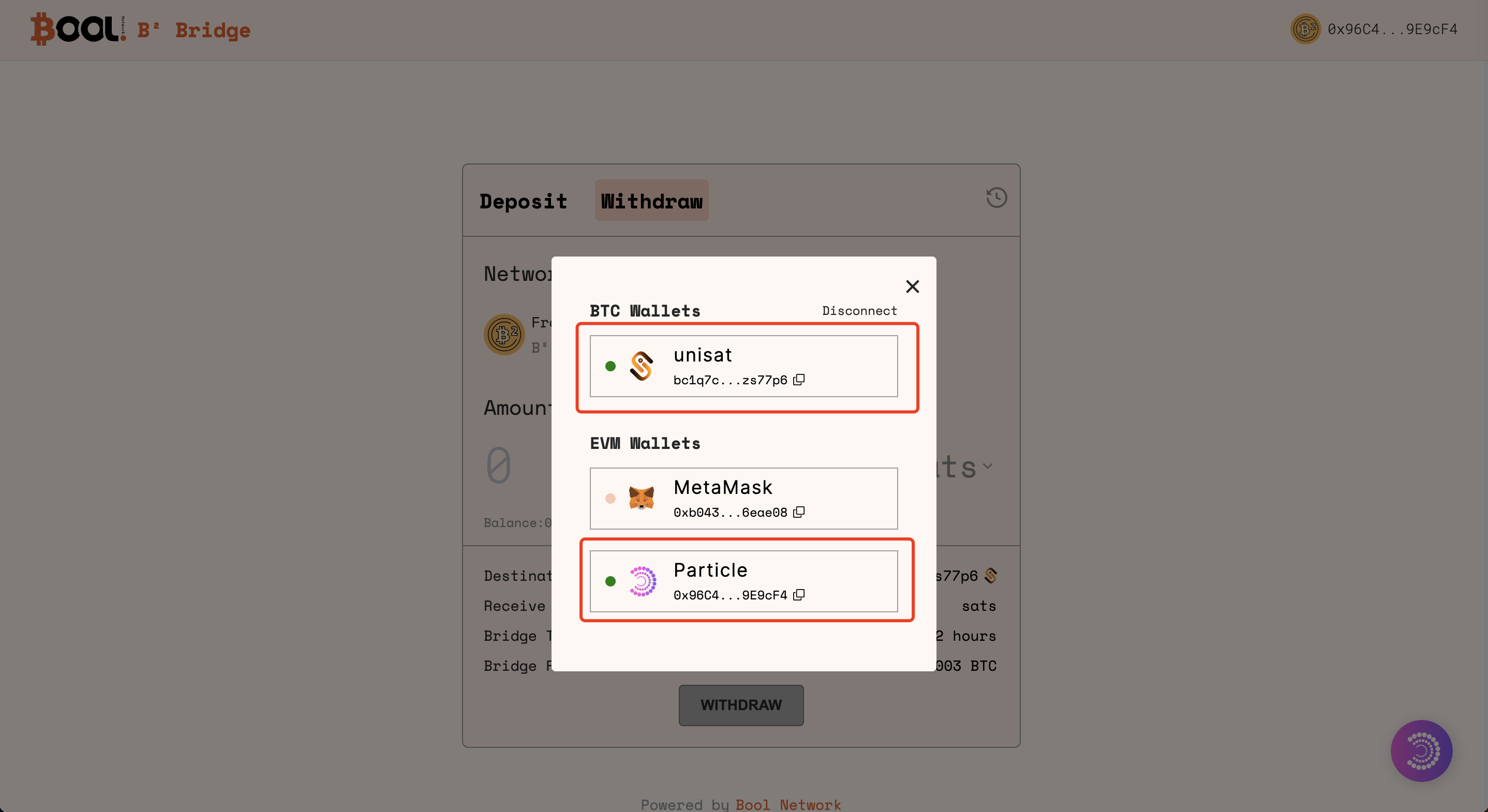
#### 2. Connect Wallets
On the Bridge interface, connect your UniSat wallet. Follow the prompts and confirm the wallet connections.
{% hint style="info" %}
Through the wallet connection, assets will be bridged from the Layer 2 **Particle address** (the source address) to your Unisat address on Bitcoin.
{% endhint %}
#### 3. Withdraw from B²
{% hint style="warning" %}
Only BRC-20 withdrawals are available at the moment.
{% endhint %}
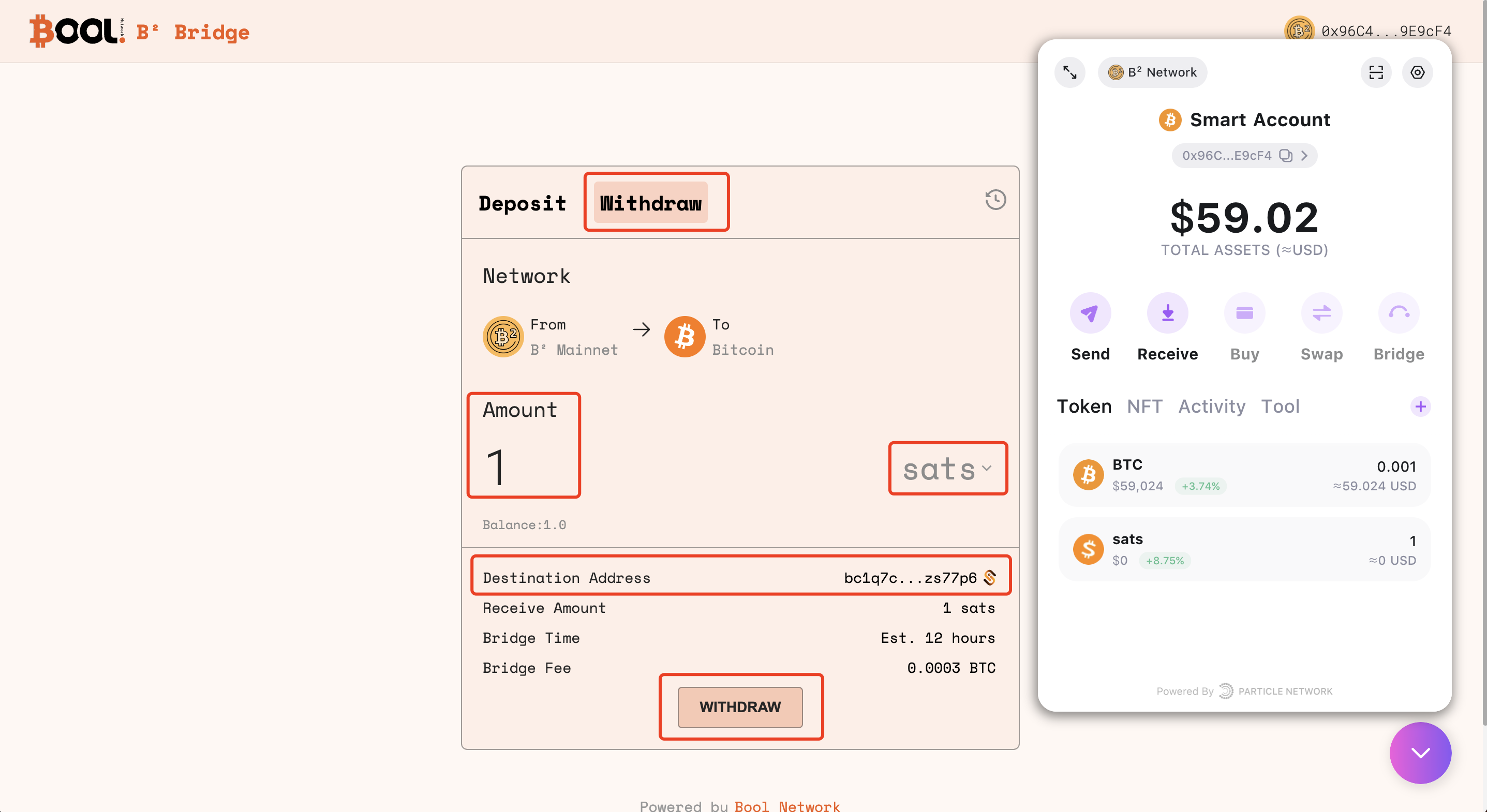
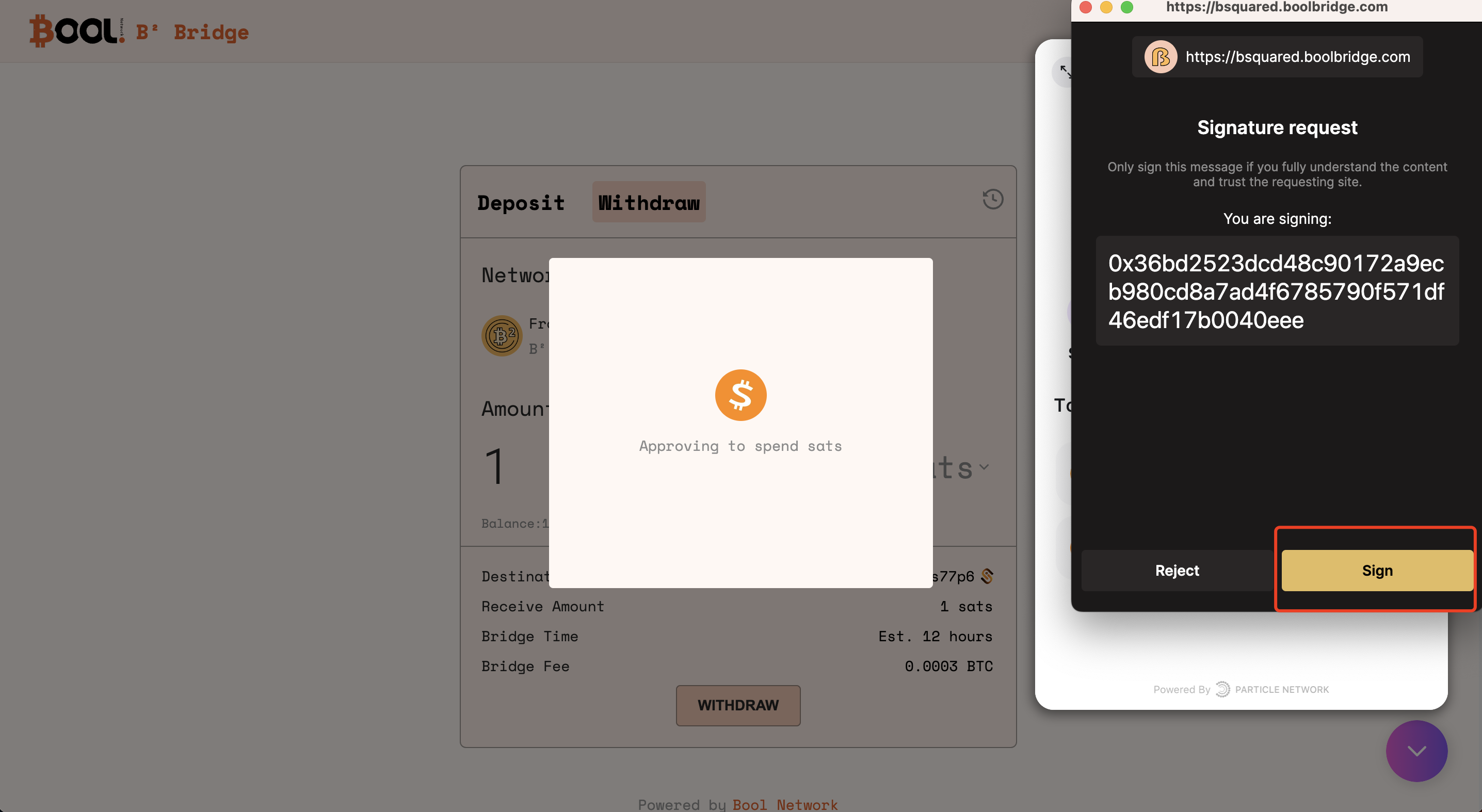
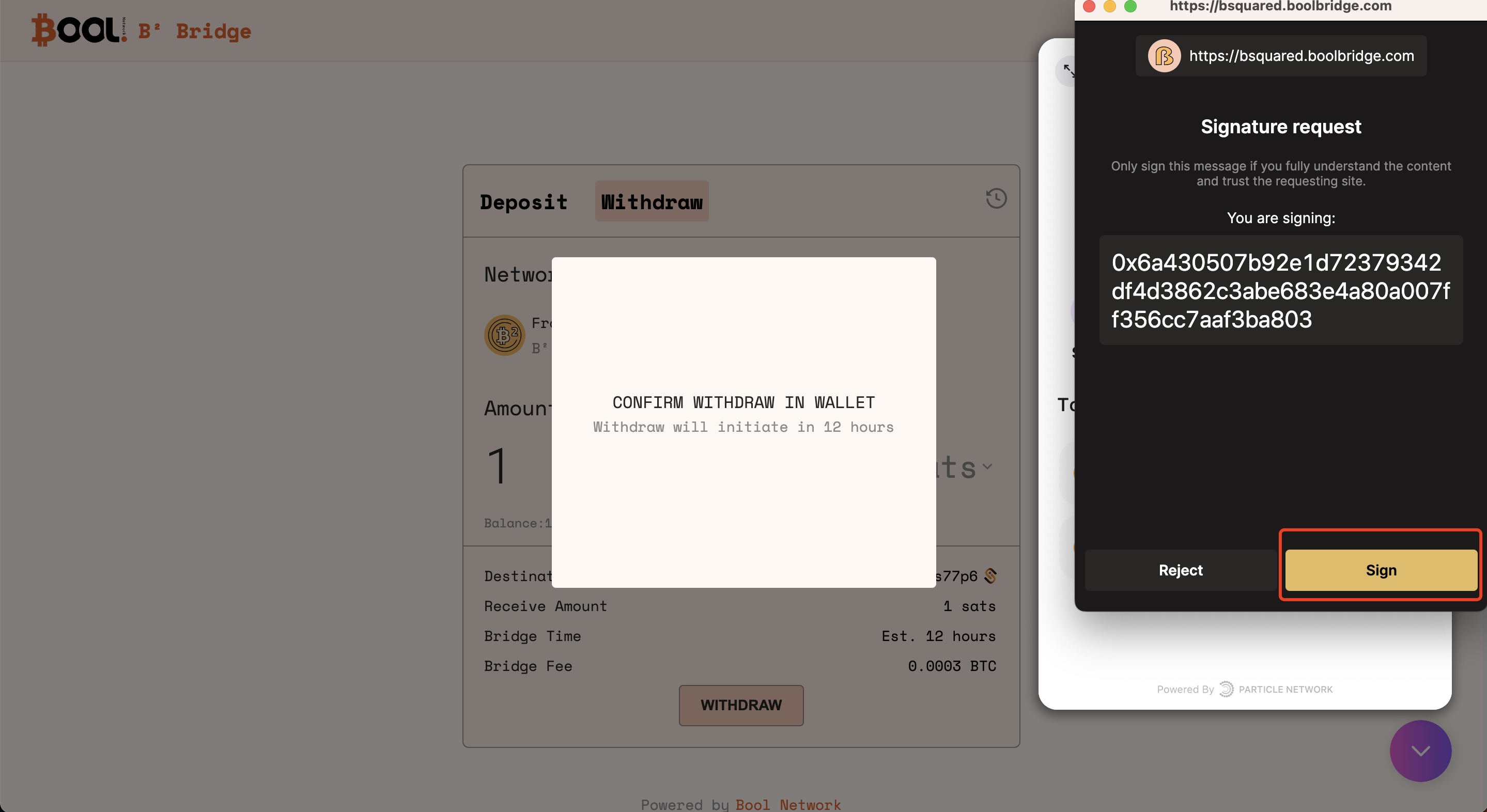
Initiate the withdrawal transaction by specifying the amount of BTC or BRC-20 you intend to bridge from B² Mainnet to Bitcoin. Review and confirm the transaction details.
**3.1 Specify the amount of BRC-20 to withdraw**
**3.2 Confirm the withdraw transaction in Unisat**
#### 4. Monitor progress on the History page
Once the withdrawal is initiated, monitor the progress of your transactions on the History page of B² Bool Bridge. This section provides real-time tracks on the status of your cross-chain transactions.
#### 5. Check assets balance in Unisat Wallet
When the deposit is completed, check the balance of the assets in Unisat Wallet.